Practical advice for Melbourne food-business owners
A customer should be able to find your shop, check whether you are open and recognise the entrance when they arrive. For a restaurant, takeaway or butcher shop, those simple details deserve attention before another promotional post.
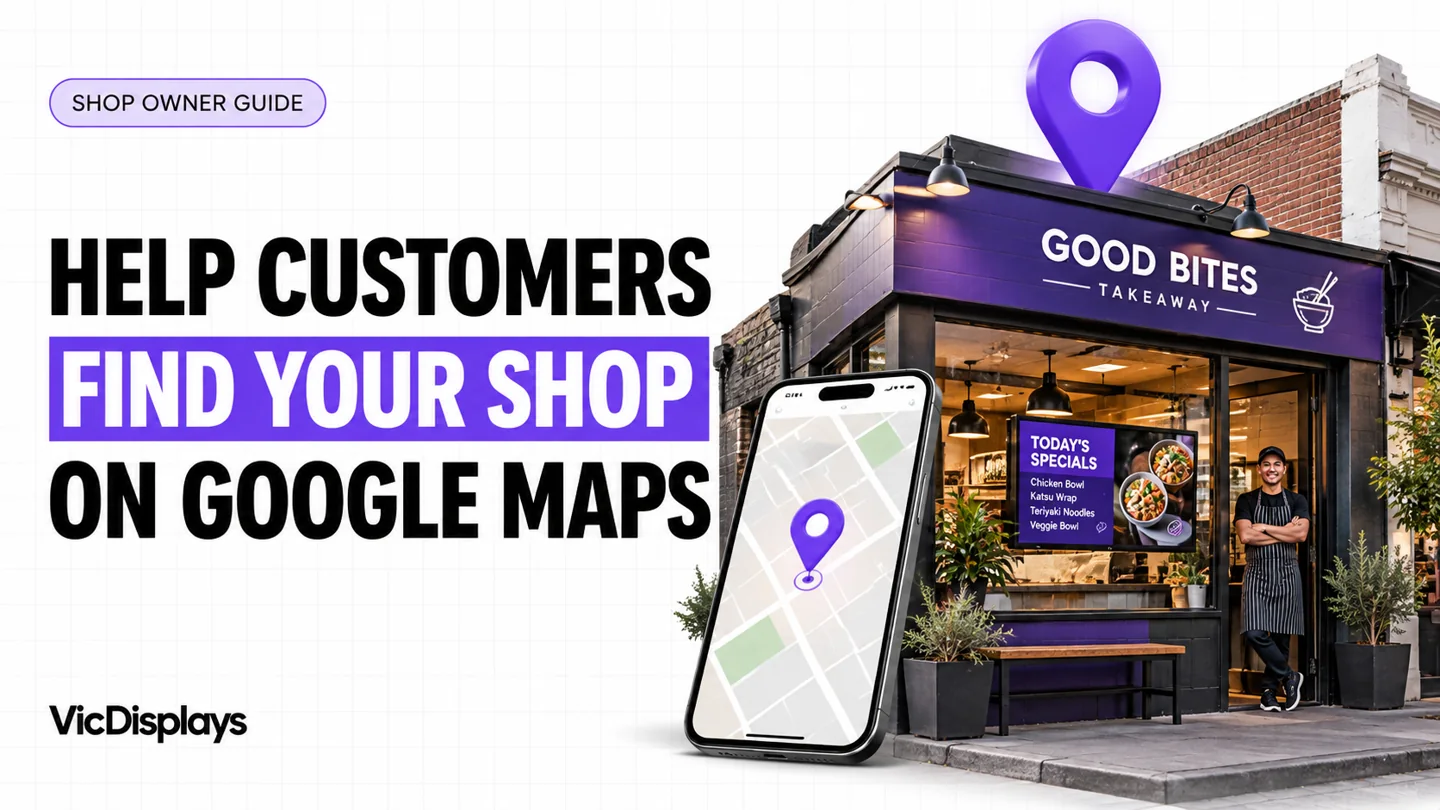
This guide explains how to help customers find your shop on Google Maps and make the visit easier once they do.
1. Take control of the right business profile
Search Google Maps for your business name and suburb before creating anything. If the correct listing exists, claim it. If somebody else already manages a verified listing, request ownership rather than creating a competing duplicate. If no listing exists, add your eligible business and follow the verification steps Google offers.
Adding or claiming a Business Profile is free. Keep ownership under a business-controlled Google Account, with recovery details you can access. Give staff or contractors appropriate access instead of passing around your password. See Google’s claiming instructions.
2. Make your shop details match reality
Use the real business name displayed on your signage. Choose a specific primary category that describes the business. Avoid adding suburb names or sales phrases to the name unless they are genuinely part of it.
Check the street address, unit number and map pin. A shop inside an arcade needs accurate location details, not the address of the nearest busy road. Publish your customer-facing hours and update special hours before public holidays. Keep your phone number and website current.
For an eligible service business that visits customers and does not receive them at its address, Google says to hide the address. A normal customer-facing food shop should represent its actual premises. Follow Google’s business representation rules.
3. Show customers what arriving looks like
Take an exterior photograph from the direction a first-time visitor would approach. Include your entrance and visible shop name. Add a closer entrance photo if nearby shops look similar, then show the counter, products and interior.
A useful photo set: the street-facing shopfront, the doorway, a wide interior view, and a small selection of current food or product photos. Use your own photographs or images you have permission to publish. Keep generated concepts out of a profile’s real premises photographs.
Practical check: ask someone unfamiliar with the shop to compare the listing with the street. If they hesitate outside the wrong door, improve the photos or arrival instructions.
4. Make the next action easy
A listing that attracts attention still needs a useful destination. Check every website, menu and ordering link on your phone. The page should load, show current information and make the next action obvious.
Restaurant profiles may offer menu and ordering features; availability varies. Use the relevant options offered to your business and keep the destination current. Google’s restaurant profile guide explains these features.
| Business | Useful customer information |
|---|---|
| Restaurant | Current menu, booking destination and recognisable entrance. |
| Takeaway | Collection information, working ordering link and accurate opening hours. |
| Butcher shop | Real product photos, contact details and current information about packs or specials. |
5. Ask for honest reviews without rewards
Invite customers to share their genuine experience. Use your profile’s review link or QR code where appropriate. Ask consistently rather than approaching only people you expect to leave five stars.
A simple request works: “Thanks for visiting. If you’d like to share your experience, you can leave us a Google review here.”
Do not offer discounts, free products or other incentives for reviews. Reply helpfully, including when feedback is negative, and keep private customer information out of public responses. Read Google’s review guidance.
6. Understand what you can influence
Google describes local ranking in terms of relevance, distance and prominence: how closely your business matches the search, how near it is, and how well known it is. Complete information and genuine reviews can help; a particular position is never guaranteed. Google says businesses cannot pay for improved organic local ranking.
Use Google’s local ranking guidance as the reference. Treat promises of a guaranteed number-one Maps position with caution.
7. Check actions, then check actual business results
Open your verified profile’s Performance section and compare a consistent date range. Depending on your business, available measures can include searches, direction requests, website clicks and call-button clicks.
A call click is not a confirmed conversation. A directions request is not proof of a visit. Compare those signals with actual enquiries, orders and customer feedback before deciding what worked. Google explains the measures in its Business Profile performance guide.
Your Google Maps shop checklist
Tick each item as you check it. This checklist resets when you reload.
Connect online discovery with the shop experience
After customers find you, they still need to recognise the premises and understand what you offer. Compare the photographs, branding and information online with what appears at your counter. Old offers on a screen can create avoidable questions even when your online listing is accurate.
VicDisplays supplies and installs commercial digital screens for Melbourne restaurants, takeaways and butcher shops, then configures and manages the display system. Your team supplies the approved menus, graphics or promotional files; agreed publishing and support are defined in your proposal.
Explore screens for takeaways, butcher-shop displays or our managed signage comparison. Digital screens support the customer experience at your shop; installing them does not improve Google Maps rankings.
Make your shop easier to understand when customers arrive
Planning digital screens for your Melbourne food business? Tell us your suburb and shop type. We’ll assess the space, viewing angles, power and screen requirements.
Questions shop owners ask
Do I need to pay to appear on Google Maps?
Adding or claiming an eligible Business Profile is free. Paid advertising is separate from organic local results.
Why does another shop appear above mine?
Results depend on relevance, distance and prominence. Searcher location matters, so results from your phone do not represent every customer’s experience.
Should I create profiles for every suburb I want to reach?
Create profiles only for eligible real businesses or locations under Google’s rules. Do not invent branches or duplicate a shop to target nearby suburbs.
Will new digital screens help my Maps ranking?
Screens are not a Google Maps ranking shortcut. Their role is to present your supplied information clearly to people who see or visit your shop.
Guidance checked against the linked Google Business Profile resources on 24 October 2026. Available features and interface labels can vary. Thumbnail: generated illustration, not a client installation or an official Google interface.