A regular TV can display a menu. The buying decision is whether that exact screen suits your shop’s opening hours, lighting, mounting position and update process.
If you are comparing digital menu screens in Victoria, start with the job the screen needs to do. A takeaway menu above the counter, a restaurant specials board and a butcher’s promotional display can have different requirements. A low purchase price is useful only if the complete setup works for your business.
This guide explains what to check before buying a household TV or a commercial display, including questions to take to your installer.
Regular TV versus commercial display: compare the exact models
“Commercial” is a product category, not a promise that every screen suits every location. Ask for the model number and compare the manufacturer’s specifications with your intended use.
| Check | Regular household TV | Commercial display |
|---|---|---|
| Daily running time | Confirm suitability for your actual business hours. | Check the model’s stated operating schedule. |
| Menu playback | Test the chosen player, input and file format. | Confirm whether playback is built in or needs a separate player. |
| Portrait mounting | Do not assume vertical use is supported. | Check approved orientation and ventilation requirements. |
| Remote updates | Check the complete system; a smart TV alone does not define the workflow. | Confirm compatible software, licensing and management arrangements. |
| Warranty and support | Request the applicable terms for the proposed business use. | Request written cover, exclusions and the fault-reporting process. |
1. Match operating hours to your trading day
Count from when staff switch the screens on until they switch them off, including preparation and cleaning. Then compare that schedule with the proposed model’s specification.
For example, Samsung Australia lists 16/7 operation support for its 65-inch QBC professional display. That is a model-specific example, not a rating for every commercial screen or a statement that VicDisplays supplies this model. Ask your installer to document the rating of the screen in your quote.
2. Test the menu where customers actually stand
A bright picture in an electronics showroom tells you little about a small price line viewed from the back of your queue. Bring a sample of your finished menu artwork and assess it at the intended viewing distance.
Check reflections from the shopfront, ceiling lights and windows at different times of day. Keep the item name and its price easy to match. If the layout becomes unreadable, simplify the artwork or reconsider the screen arrangement before increasing the screen size.
An indoor display placed behind glass also needs a proper site assessment. Do not assume an indoor screen is suitable for outdoor conditions or direct sunlight.
3. Plan mounting, ventilation and access
Before purchasing, confirm the screen’s weight, mounting pattern, approved orientation and required clearances. Your installer should assess the wall and mounting arrangement, cable route and access for servicing.
In food premises, discuss nearby heat, steam, grease and cleaning activity. Keep the proposed location within the manufacturer’s operating conditions. A tidy installation still needs enough access to inspect connections and maintain the equipment.
4. Work out how the correct menu gets on screen
Ask someone to demonstrate the whole process: supply a file, load it on the correct screen, check the result and remove the old version. Confirm what happens after a power interruption and whether playback depends on an internet connection.
For a restaurant with several screens, identify which file belongs on each display. For a butcher, include the offer’s end date in the handover. For a takeaway, keep a clear version of the core menu available while planning promotional material.
VicDisplays handles screen supply, installation, system setup and ongoing management within the agreed scope. Your business supplies the finished menu or promotional artwork. Review the relevant service for restaurants, takeaways or butcher shops.
5. Compare the complete setup cost
Put the screen, brackets, installation, player, software and ongoing support on the same comparison sheet. Ask which items are included, which recur and which are charged separately. An existing TV may be worth assessing, but do not buy extra hardware until compatibility is confirmed.
VicDisplays advertises managed rent-to-own packages from $50 per week, with nothing upfront and ownership at the end of the agreed term. The written proposal confirms the equipment, payment term and service conditions. See current pricing information and our guide to checking a digital menu board quote.
Your screen-buying checklist
Tick these as you compare proposals. This checklist is for your own review; it does not submit an enquiry or save your answers.
Planning a screen installation in Victoria
Send your suburb or postcode, business type, opening hours and a photograph of the proposed screen position before arranging a visit. If you already own a TV, include its model number.
VicDisplays currently focuses on Melbourne food businesses. If your premises are elsewhere in Victoria, ask about installation and ongoing service availability for your postcode before making plans. Do not assume a Melbourne-based package automatically includes statewide visits.
Common questions
Can I use the TV I already own?
It may be suitable, depending on its model, condition, operating requirements and compatibility with the proposed system. Provide the model number for assessment before assuming it can be included.
Does a commercial screen automatically include remote management?
No. Confirm the complete arrangement, including the player, software licences, connectivity and who publishes your approved files.
Will a more expensive screen make a crowded menu readable?
Hardware cannot resolve every layout problem. Test the artwork at the actual viewing distance, simplify where needed and discuss whether separate menu sections need separate displays.
Does VicDisplays create the menu artwork?
Your team supplies the finished artwork. VicDisplays installs and manages the display system, with file requirements and changes covered by your proposal.
Check your shop before you buy a screen
Request a free site inspection. Share your location and existing hardware so VicDisplays can confirm coverage and discuss a suitable setup.
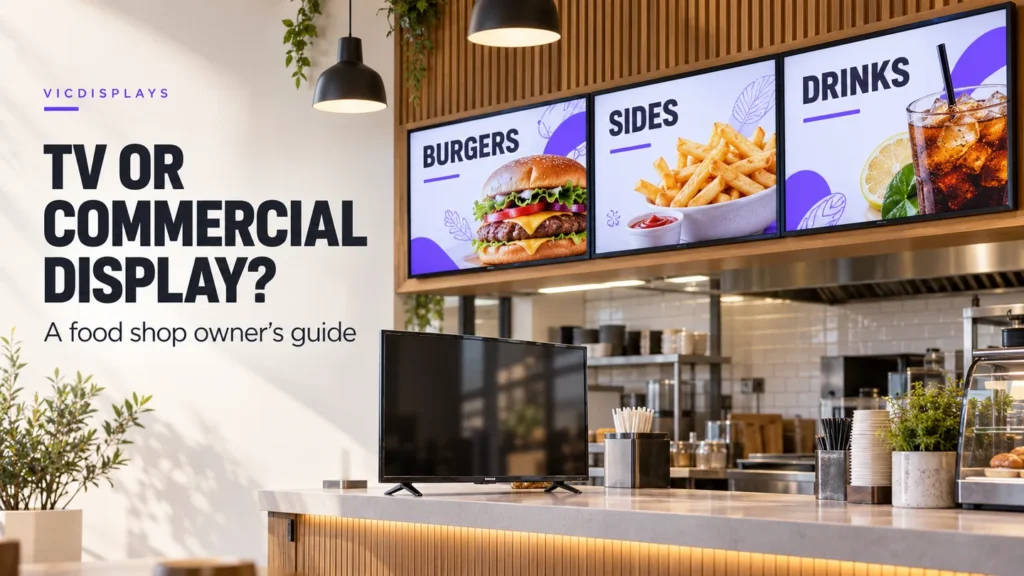
Thumbnail: AI-generated illustration of a food-shop display setup, not a photograph of a completed VicDisplays installation. Hardware specifications vary by model; the written proposal defines the equipment and service supplied.