For restaurants, takeaways and butcher shops
Your screens should help customers understand what you sell while your team gets on with serving them. The right setup starts with the shop layout, the information customers need and a clear plan for keeping it current.
This Melbourne guide brings together practical advice for food-business owners, a shop-planning tool and a searchable directory of suburbs and localities across the metropolitan council areas. Use it to prepare a useful enquiry, whether your premises are in Richmond, Preston, Springvale, Footscray or the outer suburbs.
Start with the job your screens need to do
Restaurants
Help guests see dishes, drinks or a current special without distracting from the dining experience. Separate the order-counter view from what seated guests need.
Takeaways
Keep core items and prices visible from the queue. Give meal deals a clear place without making customers wait for a rotating slide to find the main menu.
Butcher shops
Distinguish individual cuts, family packs and weekly offers. Allow space for units, pack details and any conditions so customers can understand the offer.
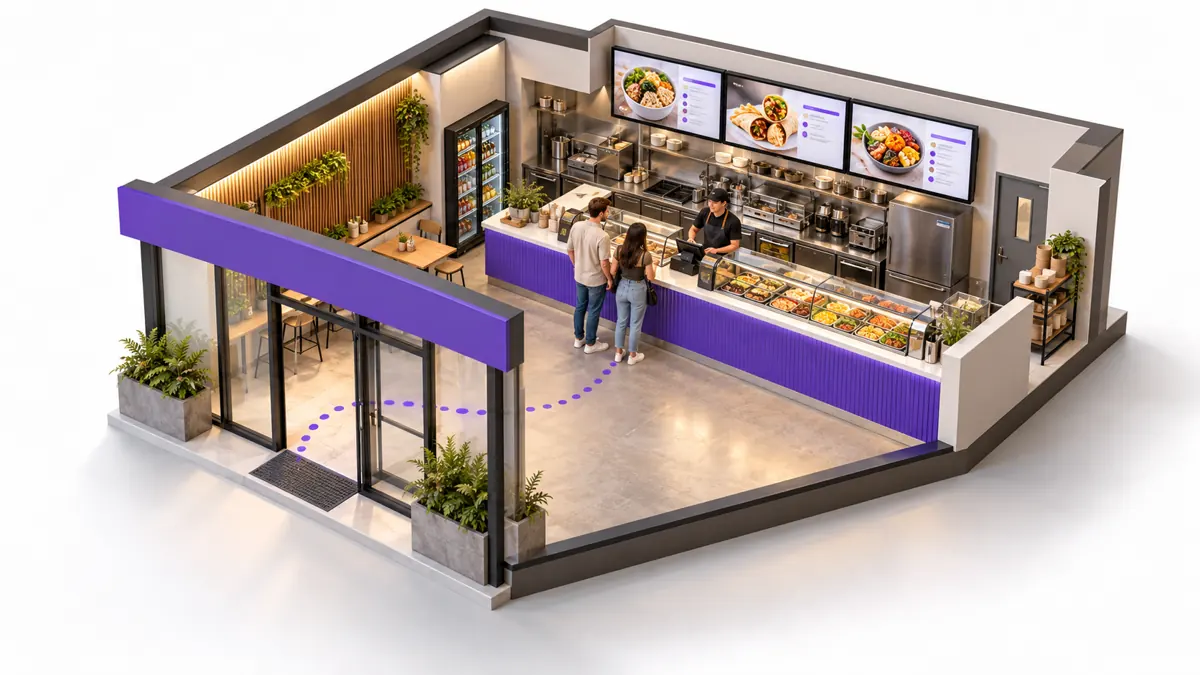
In a narrow shopping-strip premises, the entrance and queue may offer very different views. In a larger store, a screen near the entrance may serve a different purpose from one behind the counter. The suburb tells us where to visit; your actual floor plan tells us what to install.
What to check before buying the hardware
| Check | Why it matters for your shop |
|---|---|
| Screen size and reading distance | Stand where customers will order. The useful question is whether they can read the content, not simply whether a large screen fits the wall. |
| Daylight and reflections | Check the intended position at different times. A window-facing display needs assessment for glare and brightness. |
| Rated operating hours and orientation | Confirm the proposed model suits your opening hours and intended landscape or portrait installation. |
| Mounting, power and cabling | Assess the mounting surface, cable route, power access, ventilation and ongoing maintenance access. |
| Connectivity and playback | Ask what happens if the connection drops, how files reach the player and how the system recovers after an interruption. |
| Support and ownership | Confirm who handles faults, agreed changes, software costs and any rent-to-own obligations. |
Do not assume every consumer TV, mounting bracket or media player suits a commercial installation. Ask for the actual model and included hardware in the proposal. For a fuller preparation list, read our installation checklist.
A screen is only as useful as the information on it
Before installation, decide which information must stay visible and which can change. Keep a master copy of current prices and approved offers. Give one person responsibility for checking files before they are sent for publishing.
For a takeaway, that might mean a stable core menu with a separate promotional panel. For a butcher, it could mean a clearly dated weekly-specials file. For a restaurant, it may be a different supplied file for each service period.
VicDisplays manages the display system and agreed publishing using material you supply. Confirm file requirements, change frequency and turnaround arrangements in the proposal. Read the managed signage versus DIY guide if you are deciding who should run the software.

Interactive shop planner
Prepare your inspection brief
Choose your shop type and enter a suburb. This tool helps organise an enquiry; it does not estimate a price or confirm installation availability.
Restaurant tip: photograph the counter and guest sightlines before discussing placement.
Copy the brief into your enquiry. Nothing is sent by this tool. The contact page opens separately and does not automatically receive these selections.
To enquire without the planner, send your business type, suburb, shop photographs and main display goal through our contact page.
Understand the full quote, not just the weekly figure
VicDisplays currently advertises managed rent-to-own packages from $50 per week with nothing upfront. This is a starting offer, not a fixed quote for every premises or screen combination.
Ask the proposal to set out screen models, quantities, installation, agreement length, total payments, tax treatment, ownership transfer, support and exclusions. Compare the complete commitment and included service. See current pricing information and our quote-cost guide.
Tell us about your Melbourne shop
Send your suburb, business type and a photo of the counter or display area. We can discuss the location, assess the setup and explain the next step.
Or call +61 426 515 405. Inspection availability and installation scope are confirmed for your location.
Melbourne suburb and locality directory
Search a suburb or browse by council, then select a place to add it to the enquiry planner. This directory spans all 31 metropolitan council areas and includes outer-area townships and rural localities. Some places cross council boundaries.
Geographic reference only: a listed place is not a claim of a local office, completed project or guaranteed installation coverage. New or renamed localities may not yet appear; you can type any suburb in the planner. Boundaries and locality names should be confirmed against current council information.
Browse 31 council areas below.
Melbourne 14 listed places
Port Phillip 13 listed places
Yarra 12 listed places
Banyule 21 listed places
Darebin 11 listed places
Hume 25 listed places
Merri-bek 13 listed places
Nillumbik 25 listed places
Whittlesea 17 listed places
Boroondara 13 listed places
Knox 12 listed places
Manningham 12 listed places
Maroondah 15 listed places
Whitehorse 16 listed places
Yarra Ranges 68 listed places
Bayside 9 listed places
Cardinia 46 listed places
Casey 29 listed places
Greater Dandenong 10 listed places
Frankston 9 listed places
Glen Eira 15 listed places
Kingston 21 listed places
Monash 14 listed places
Mornington Peninsula 40 listed places
Stonnington 9 listed places
Brimbank 25 listed places
Hobsons Bay 12 listed places
Maribyrnong 9 listed places
Melton 31 listed places
Moonee Valley 15 listed places
Wyndham 17 listed places
Directory compiled from the factual locality entries in the List of Melbourne suburbs, consulted 26 October 2026. Metropolitan scope follows the Victorian Government’s metropolitan Melbourne guide. Shared localities can appear under more than one council. Historic neighbourhood nicknames are not included as separate suburbs.
Before you contact an installer
Ticks are a planning aid and reset when the page is reloaded.
Questions Melbourne shop owners ask
Can you assess my shop if my suburb is not listed?
Send the exact location through the contact page. The directory is a geographic guide; VicDisplays confirms inspection availability and scope for each enquiry.
Do you create the menu artwork?
Your team supplies the approved menu, graphic or promotional files. VicDisplays supplies and installs the screens, configures the system and manages agreed publishing and support.
How many screens should I order?
Start with the information customers need, viewing distances and available mounting positions. A site assessment is more useful than choosing a quantity from another shop’s photographs.
Can the screens show more than a menu?
The agreed display setup can show supplied product images, specials and promotional files. Confirm formats and intended use before preparing the artwork.
Is the same price available in every suburb?
The starting offer does not replace a written quote. Hardware, installation conditions and service arrangements need to be confirmed for the premises.
Your next step: show us the space.
A few shop photographs and the right questions make the first conversation more useful.
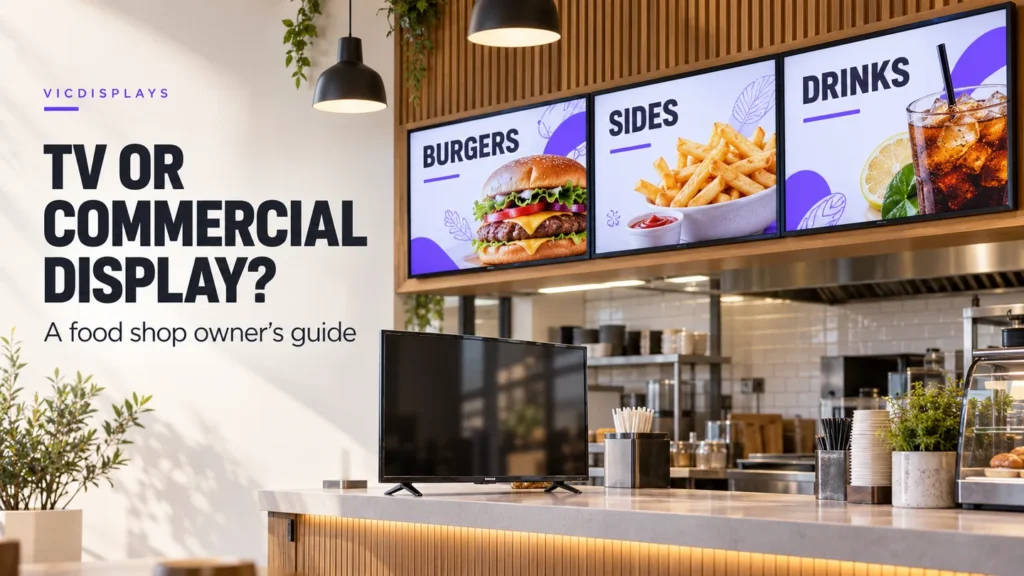
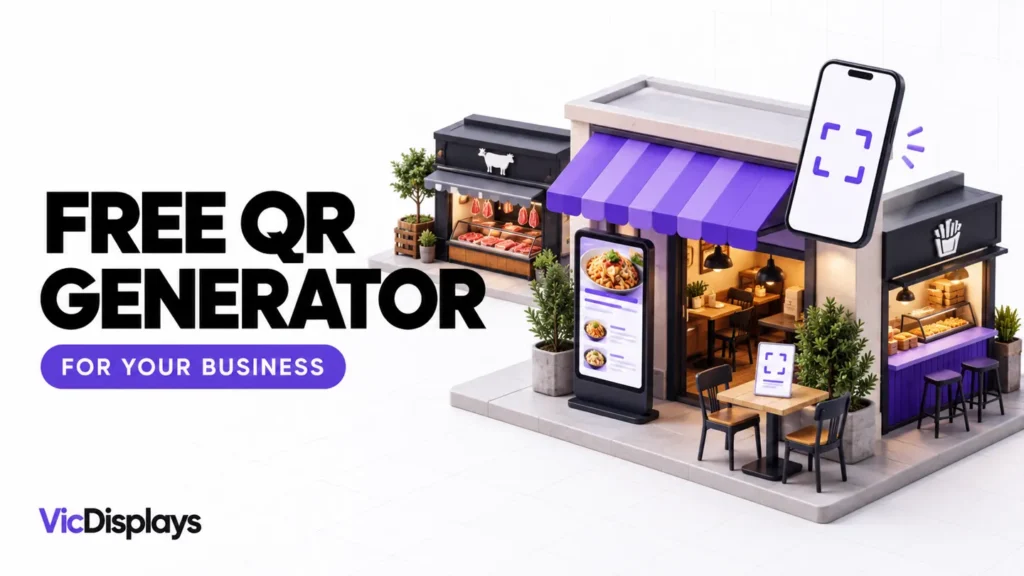
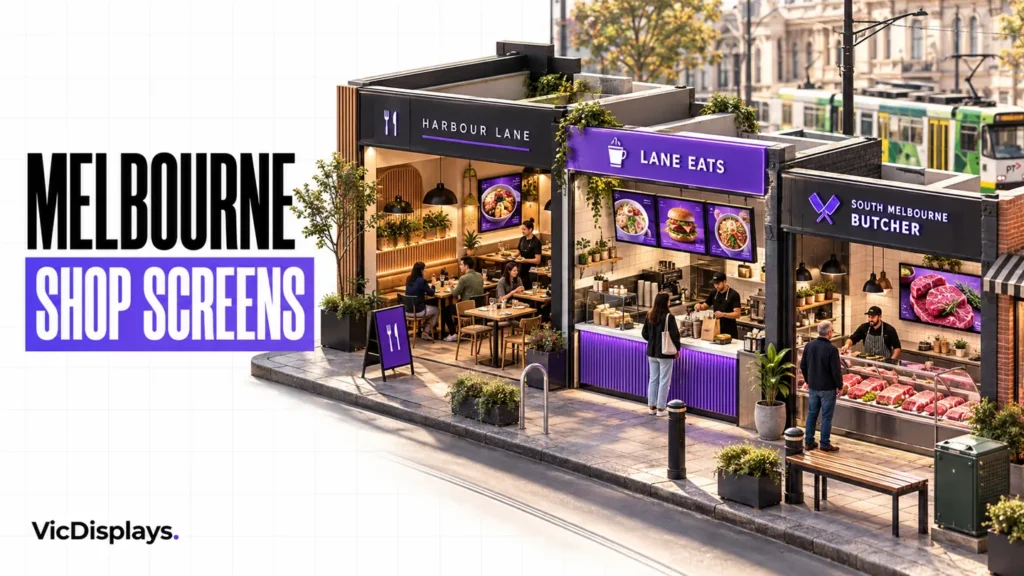
Service information checked 26 October 2026. All three article visuals are generated concepts, not photographs of client work. The directory is provided to help readers identify their location; this guide does not promise rankings, sales increases or universal service availability.