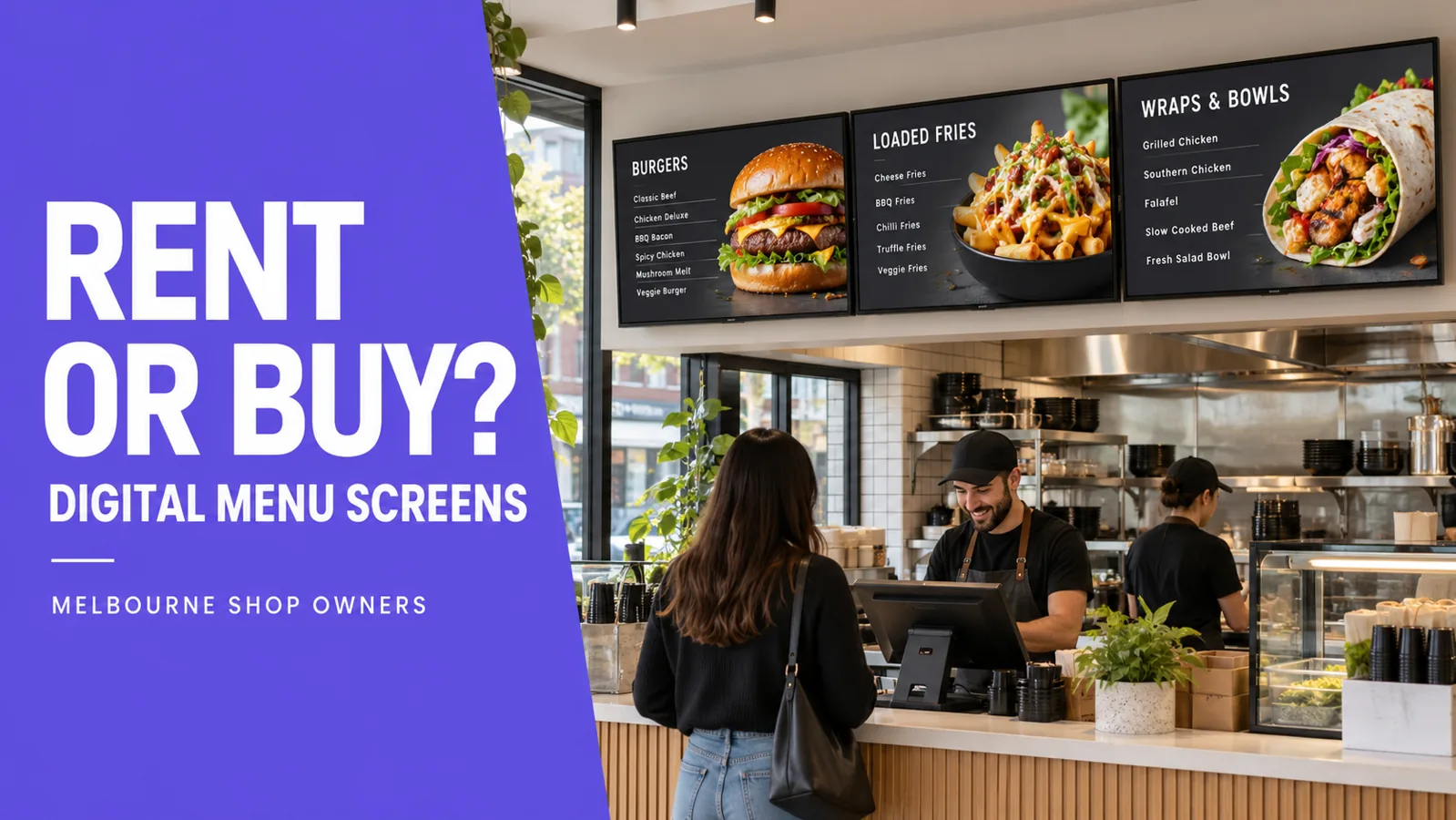
Buying digital menu screens puts the hardware in your hands from the start. Renting spreads the payments, while rent-to-own provides a route to ownership under an agreed contract. For a Melbourne shop owner, the useful comparison is the complete cost of a working display system over the same period.
Include installation, software, support and the time someone spends keeping screens current. A cheap screen can become a demanding job if nobody has responsibility for it.
Buying, renting and rent-to-own: the differences
| Option | Payment approach | Ownership | Main question |
|---|---|---|---|
| Buy outright | Pay for the equipment upfront. | Normally yours once purchased. | Who handles installation and ongoing management? |
| Rent | Pay recurring rental charges. | Usually remains with the supplier. | What are the minimum term and return conditions? |
| Rent-to-own | Make payments under an agreed term. | Transfers when the agreement’s conditions are met. | What is the total payable and when does ownership transfer? |
These are general descriptions. Check the actual agreement: rental does not automatically lead to ownership, and owning the screens does not automatically include software or ongoing support.
When buying outright can make sense
Buying may suit an established restaurant with budget available and a clear plan for looking after the system. You can compare equipment and installation quotes separately, then choose whether to manage the displays yourself or purchase support.
Before choosing this route, name the person who will upload approved files, check the screens and contact support when something goes wrong. If that person is also running a busy counter, include their time in the decision.
Ask for a complete specification covering screens, mounts, playback hardware where required, installation and software. Screen count alone is not enough to compare two proposals.
When renting deserves a closer look
Renting may suit a business that values access to equipment without buying it at the outset. However, flexibility depends on the contract. A rental agreement may still carry a minimum commitment, return costs or restrictions on moving the equipment.
Ask what happens if you change premises, need another screen or close the shop. Confirm whether maintenance and replacement are included rather than assuming the weekly payment covers everything.
When rent-to-own may suit your shop
Rent-to-own may appeal when you want to spread payments and own the screens at the end of an agreed term. Compare the total commitment with an outright purchase that includes equivalent installation and service.
The VicDisplays pricing page advertises managed rent-to-own from $50 per week, with nothing upfront and ownership at the end of the agreed term. The written quote confirms your screen setup, weekly price, term, ownership conditions and service scope. This is a starting price, rather than a quote for every shop.
Ask what ongoing management will cost after ownership transfers and whether any software subscription continues. Get those details before signing.
Compare complete costs over the same period
Put each quote beside the others and use the same comparison period. For an outright purchase, add the equipment, installation and any recurring software or service charges. For rental or rent-to-own, add every scheduled payment and any separate setup, end-of-term or transfer charges.
Ask each supplier to state whether GST is included so you compare on the same basis. Do not treat an unspecified contract length as a detail to sort out later: it determines the total commitment.
- Hardware: screen models, sizes, mounts and any playback devices.
- Installation: mounting, cabling, access requirements and any separately quoted work.
- Software and management: subscriptions, file publishing and responsibility for changes.
- Support: contact hours, response arrangements and fault handling.
- End of agreement: ownership, returns, continuing charges and cancellation conditions.
Match the service to the way your shop trades
A restaurant screen setup may need different content at the entrance and counter. For a takeaway, readable prices at the ordering point may be the first priority. A butcher shop may need a reliable process for replacing weekly-specials artwork.
In each case, decide who prepares the finished files and who publishes them. VicDisplays inspects premises, supplies and installs commercial screens, sets up the system and manages displays within the agreed scope. Your team or designer supplies the approved menu and promotional artwork.
For Melbourne shops and surrounding suburbs, confirm inspection availability for your address. Placement, reflections, power and mounting should be assessed before settling on a package. Our digital menu board installation checklist explains what to prepare.
Your quote-comparison checklist
Tick these as you review proposals. Your selections are not submitted or saved.
Common questions
Is renting cheaper than buying digital menu screens?
There is no universal answer. Compare total payments over the same period with equivalent hardware, installation and service. A lower initial payment can still lead to a larger total commitment.
Is VicDisplays’ offer rental or rent-to-own?
The current advertised offer is managed rent-to-own. The individual quote defines the term and conditions for ownership transfer.
Does buying a screen include menu design?
Check each supplier’s scope. With VicDisplays, your business or designer supplies the finished artwork; VicDisplays handles the screen system and agreed publishing.
Compare a setup planned for your shop
Book a free site inspection with VicDisplays. We will assess the space and provide a written proposal so you can review the equipment, payments and service together.
Service and advertised pricing checked against VicDisplays’ homepage and pricing page on 19 October 2026. Your written quote confirms the applicable terms. Cover image is a generated illustration, not a client installation photograph.